Every church is built on relationships. The families who show up each Sunday, the volunteers who serve faithfully, the new faces who walk through the doors hoping to find community — they all deserve to be known, remembered, and cared for. But as your congregation grows, keeping track of everyone becomes genuinely difficult.
Spreadsheets get outdated. Sticky notes get lost. Important birthdays slip by unnoticed. That family who visited three weeks ago? No one followed up.
This is why a well-organized member directory is not just an administrative convenience — it is a pastoral necessity. In this guide, we will walk through how Fellowr's member management tools help you build a living, breathing picture of your congregation so that no one falls through the cracks.
Why Organized Member Data Matters
Church administration is ministry. When you know that a family's anniversary is coming up, you can celebrate with them. When you can see that a long-time member has not attended in a month, you can reach out with genuine concern. When a newcomer fills out a visitor card, you can follow up the very next day.
None of this is possible when your member information is scattered across notebooks, email threads, and the memories of a few dedicated volunteers. A centralized, searchable directory gives your entire leadership team the context they need to care well.
Setting Up Your Member Directory
Getting started with Fellowr's member directory is straightforward. You can add members individually or import existing data from a spreadsheet. The import tool maps common fields automatically — names, emails, phone numbers, addresses — so you do not have to start from scratch.
Once your data is in, every member gets a detailed profile page. Think of it as a living document that grows over time: contact information today, group assignments tomorrow, giving history next month. The profile becomes the single place your team goes to understand someone's connection to your church.
Adding Members One at a Time
For new members, the process is simple. Click the add button, fill in the basics, and save. The form is designed to capture what matters most upfront — name, email, phone, and household — without overwhelming you with dozens of fields on day one. You can always add more detail later.
Bulk Import from Spreadsheets
If you are migrating from another system or have years of data in a spreadsheet, the bulk import feature handles the heavy lifting. Upload a CSV file, map your columns to Fellowr's fields, review the preview, and confirm. Duplicate detection helps you avoid creating multiple records for the same person.
Key Fields That Make a Difference
A directory is only as useful as the information it contains. Fellowr includes purpose-built fields that go beyond basic contact details.
Birthdays and Anniversaries
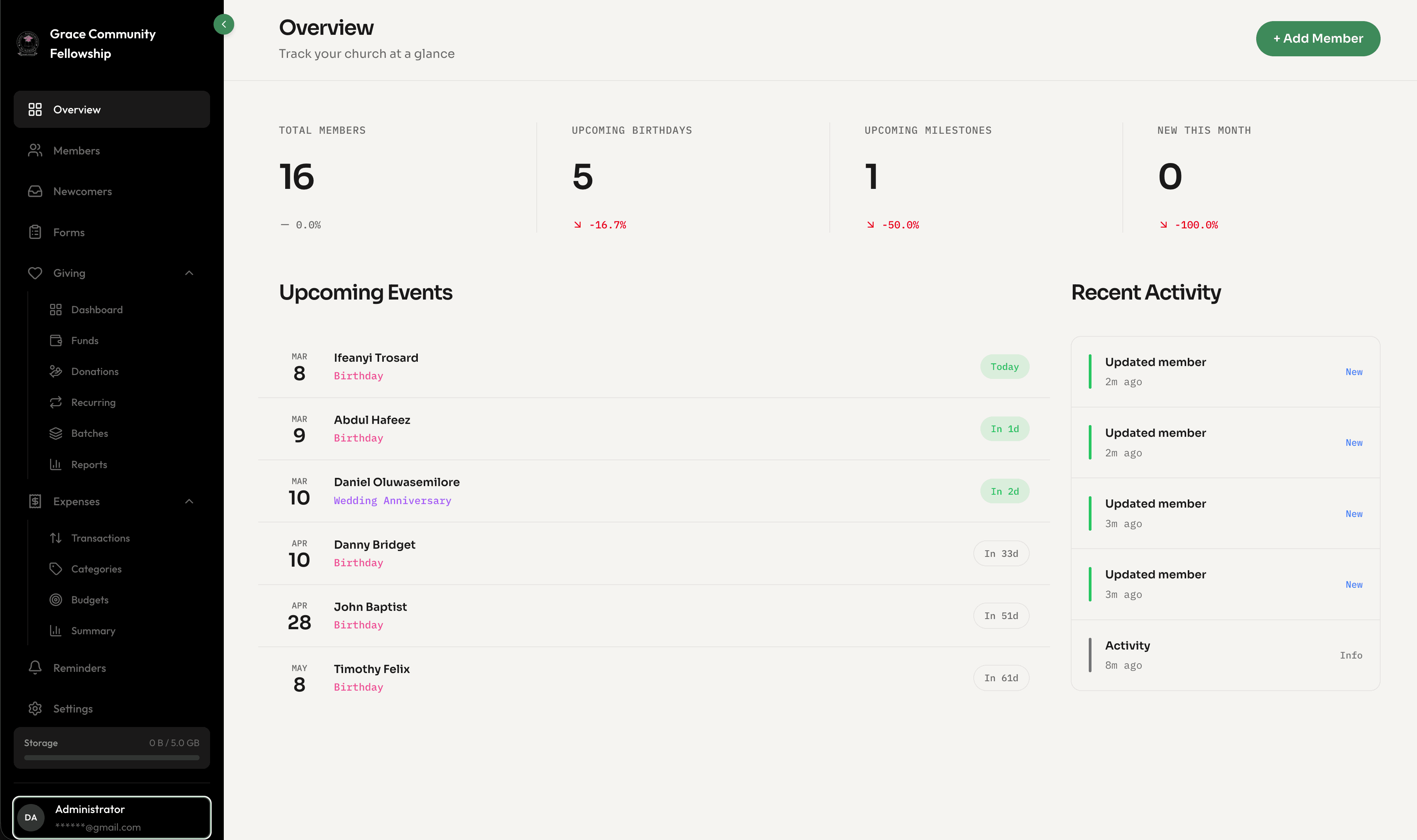
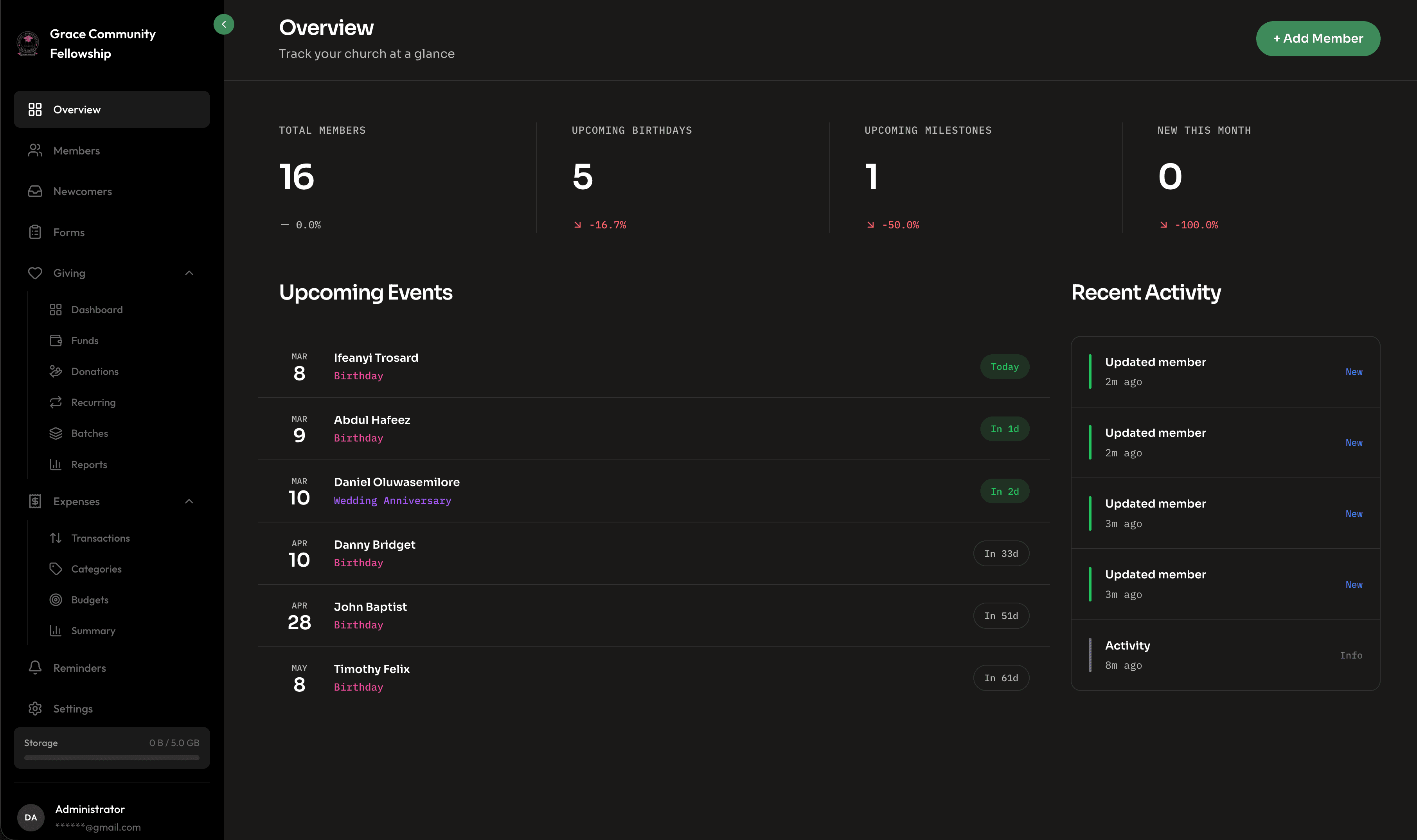
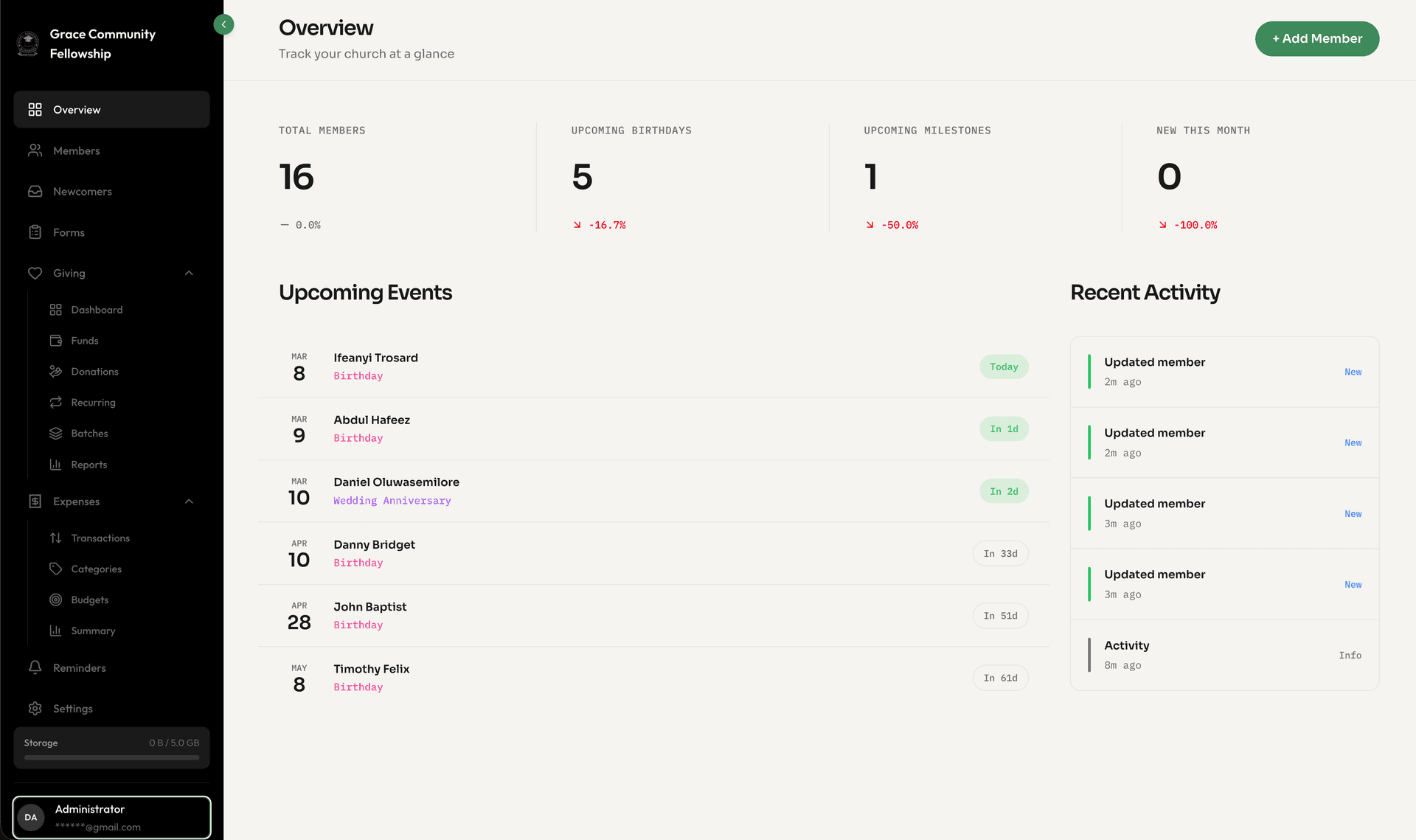
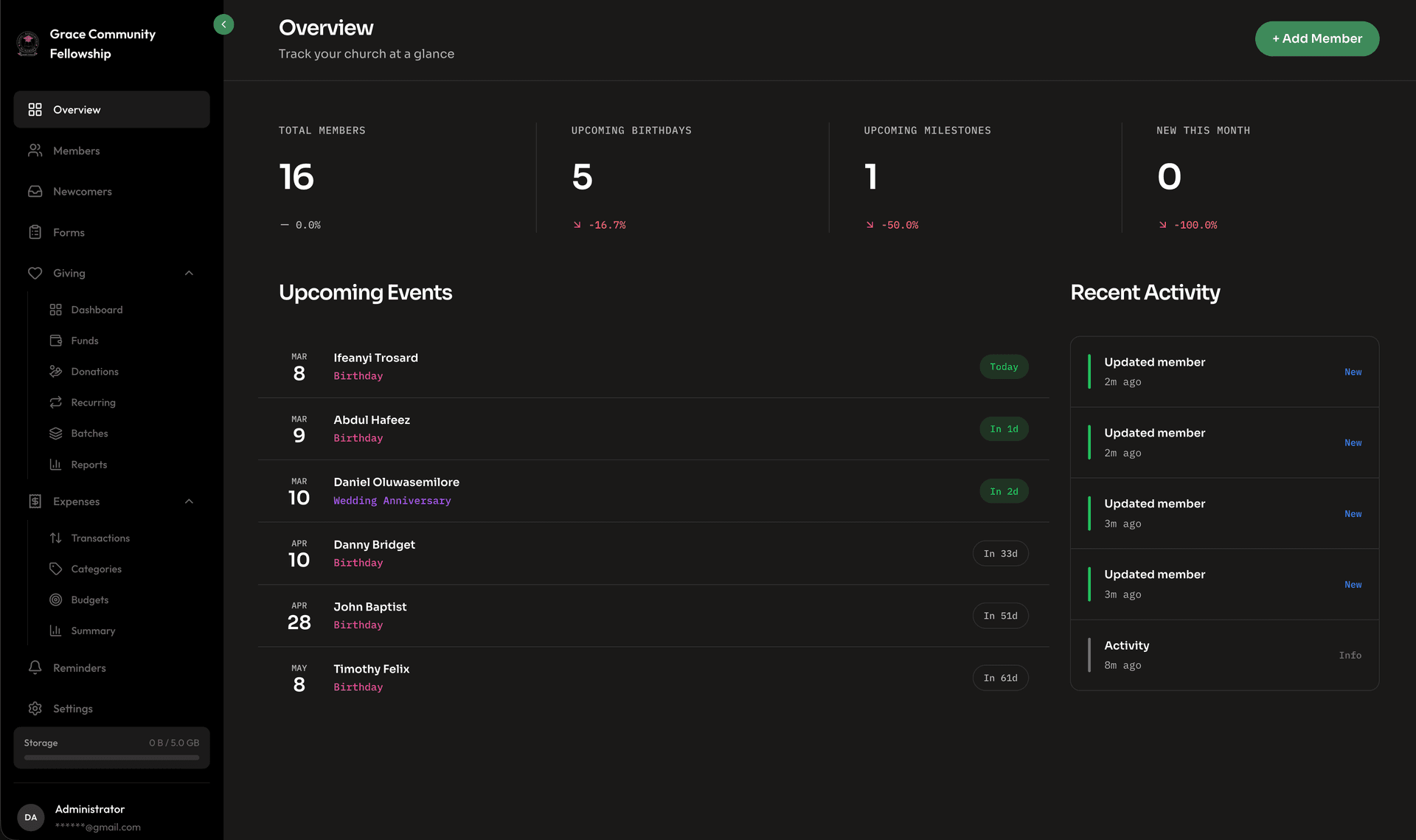
These two dates alone can transform how your church connects with people. Fellowr surfaces upcoming birthdays and anniversaries on your dashboard, so your pastoral team always knows who to celebrate. A simple birthday text or anniversary card communicates something powerful: you are seen, and you matter.
Join Date and Membership Status
Tracking when someone officially joined your church — and their current membership status — gives you a clear picture of your congregation's growth over time. You can filter by status to see active members, inactive members, or those in a new member class.
Custom Fields
Every church is unique. Maybe you need to track spiritual gifts, t-shirt sizes for the volunteer team, or dietary preferences for church meals. Custom fields let you capture whatever data matters to your specific context without cluttering the experience for everyone else.
Household Grouping
People do not attend church in isolation. Fellowr lets you group members into households, so you can see family connections at a glance. When you update an address for one household member, it applies to the whole family. When you pull a report, you can choose to count by individuals or by households.
Smart Search and Filters
As your directory grows, finding the right people quickly becomes essential. Fellowr's search bar handles partial name matches, email addresses, and phone numbers. But the real power is in the filter system.
Need to find all members who joined in the last six months? Filter by join date. Looking for everyone in a specific small group? Filter by group. Want to see members with birthdays this week? There is a filter for that too.
You can combine multiple filters to create precise lists. For example: all active female members between the ages of 25 and 40 who joined in the last year. Save these filter combinations as smart lists and come back to them anytime.
Profiles: The Full Picture
Click on any member's name and you see everything your church knows about them in one place. Their contact details, household, groups, attendance trends, giving summary, notes from pastoral visits, and any custom fields you have set up.
This is not just data for data's sake. When a pastor is about to make a home visit, they can glance at the profile and see that this family recently had a baby, that they have been attending regularly, and that they serve on the hospitality team. That context turns a routine visit into a meaningful conversation.
Private Notes
Sometimes your team needs to record sensitive information — a prayer request shared in confidence, a family situation that requires discretion. Private notes are visible only to team members with the appropriate permissions, keeping pastoral care conversations secure.
Automated Reminders and Notifications
Fellowr can remind your team about important dates before they arrive. Set up birthday reminders to go out a week in advance, so you have time to write a card or plan a small celebration. Anniversary reminders work the same way.
You can also set reminders for follow-up tasks. If a new member completes a welcome class, a reminder can prompt your team to check in with them 30 days later to see how they are settling in.
Best Practices for Church Member Management
After working with churches of all sizes, we have seen a few practices that consistently make the biggest difference.
-
Assign a data steward. Designate one person or a small team to keep the directory current. When someone moves, changes their phone number, or gets married, the data steward ensures the record is updated promptly.
-
Review regularly. Set a quarterly reminder to review your membership list. Are there members marked as active who have not attended in months? Are there visitors who should be moved to member status? Regular reviews keep your data honest.
-
Use it as a team. A directory only works when your whole leadership team uses it. Encourage small group leaders, ministry heads, and pastoral staff to check profiles before meetings and add notes after visits.
-
Respect privacy. Be thoughtful about what you track and who can see it. Fellowr's permission system lets you control access so that volunteers see what they need and nothing more.
Getting Started
Setting up your member directory in Fellowr takes less than an hour for most churches. Import your existing data, invite your team, and start building the kind of organized, caring community your congregation deserves.
The people in your church are not rows in a spreadsheet. They are individuals with stories, needs, and gifts. A well-managed member directory is simply the tool that helps you remember that — and act on it — every single week.
Ready to get started?
Free forever, for a church of any size. Paid plans include a 14-day free trial.
Start Free Today