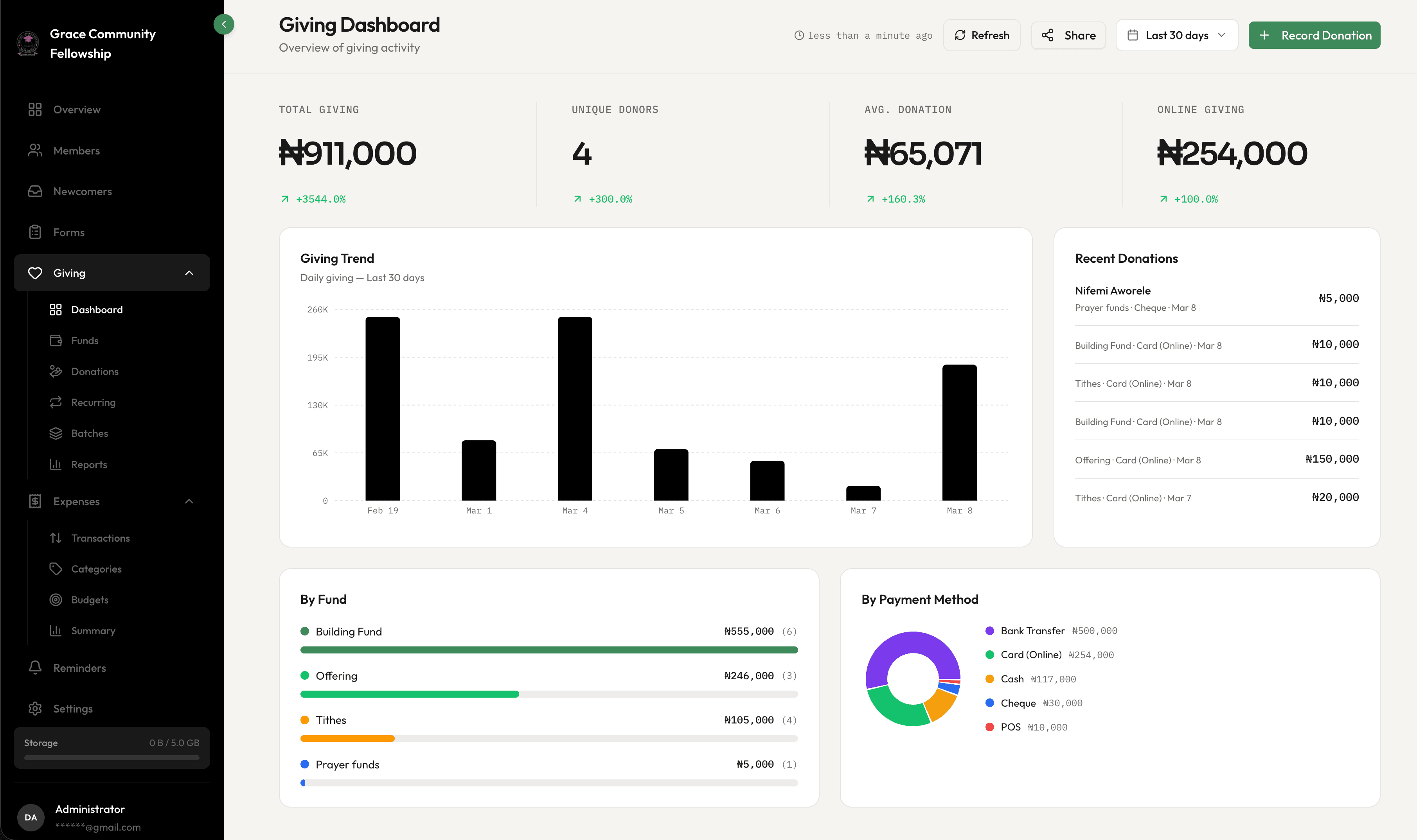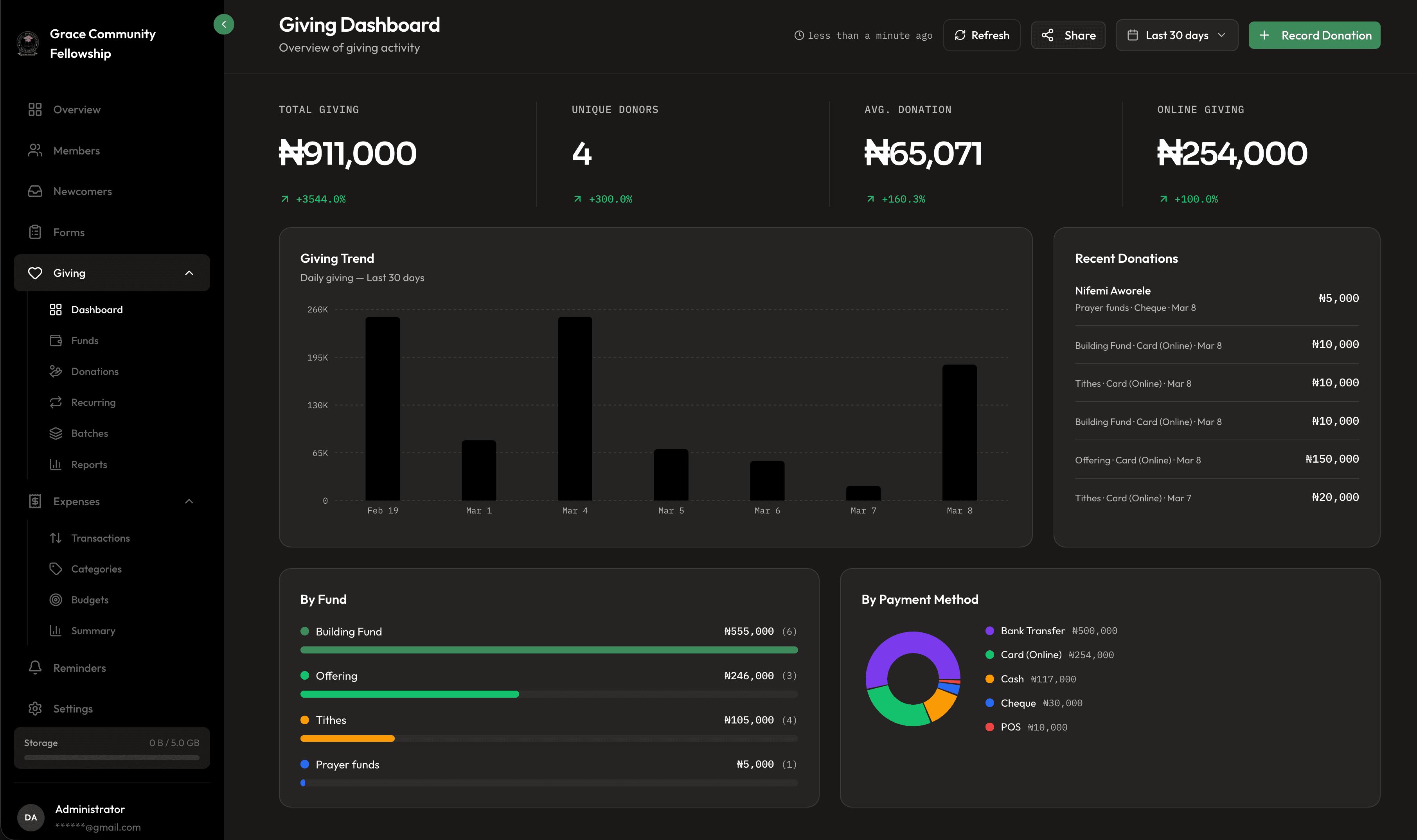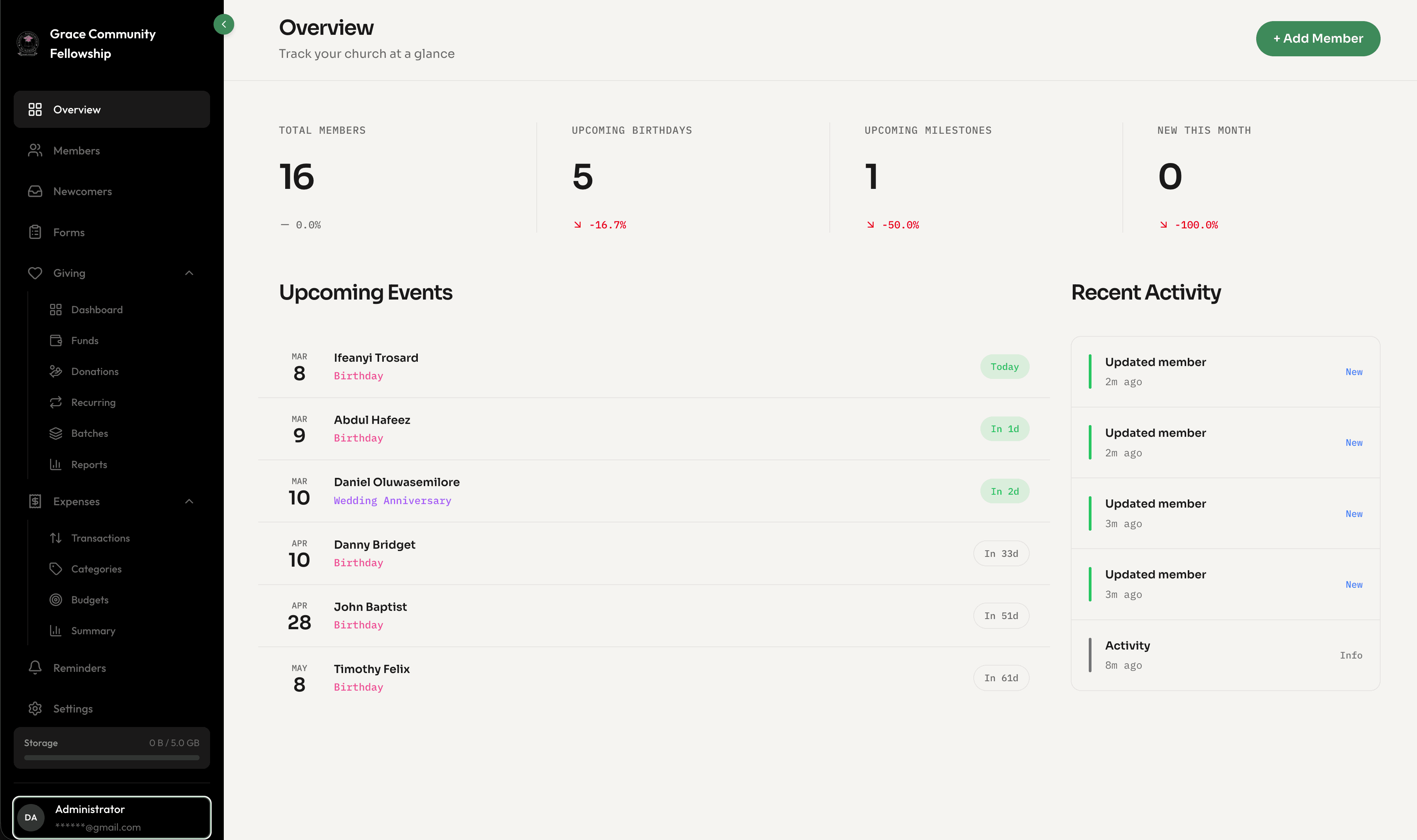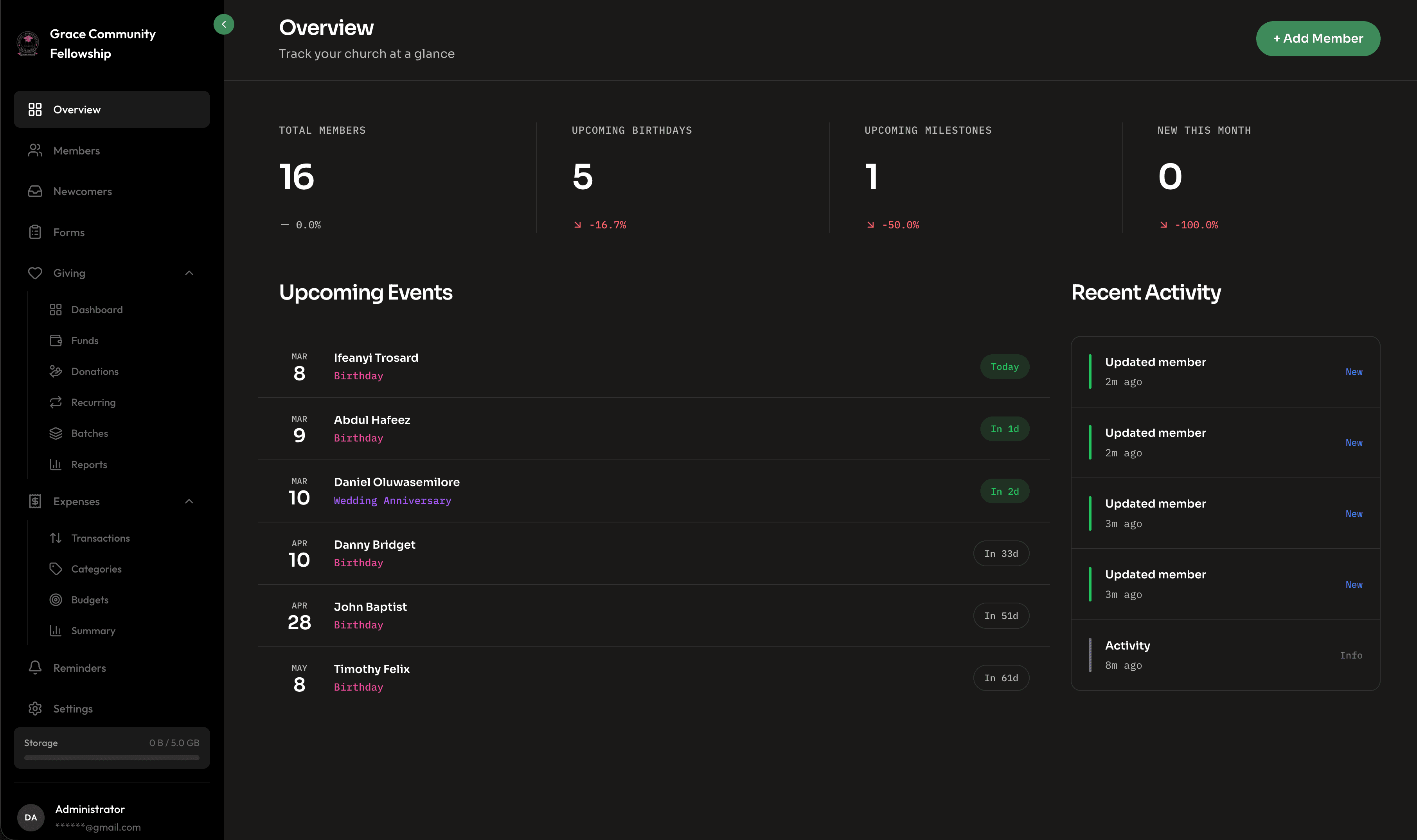
Churches are generous organizations by nature. Money flows in through tithes and offerings, and it flows out through salaries, facility costs, ministry programs, benevolence, missions, and a hundred other line items. But generosity without structure can lead to confusion, and confusion can erode the trust that makes generosity possible in the first place.
Expense tracking might not be the most exciting topic in church leadership, but it is one of the most important. When your church can clearly show where every dollar goes, you build confidence among your congregation, empower your leadership team to make wise decisions, and create a culture of accountability that honors the generosity of your givers.
In this guide, we will walk through how Fellowr helps churches set up structured expense tracking, manage budgets, and generate the reports that keep everyone on the same page.
Why Churches Need Structured Expense Tracking
Many churches operate with a surprisingly informal approach to expenses. The pastor pays for something out of pocket and submits a receipt later. A ministry leader uses the church credit card without a clear approval process. Expenses are recorded in a spreadsheet that only one person understands.
This is not a character problem — it is a systems problem. Without a structured approach, even the most well-intentioned teams end up with gaps in their records, surprise overruns, and an uncomfortable lack of clarity when someone asks, "Where did the money go?"
Structured expense tracking solves this by giving every expense a category, every category a budget, and every budget a report. It turns a pile of receipts into a clear financial picture.
Setting Up Expense Categories
The foundation of good expense tracking is a well-organized category system. Categories group similar expenses together so you can see patterns and make comparisons over time.
Common Church Expense Categories
Every church is different, but most share a core set of expense categories:
- Payroll and Benefits — Staff salaries, health insurance, retirement contributions, and payroll taxes. For most churches, this is the largest category.
- Facilities — Rent or mortgage, utilities, maintenance, cleaning, insurance, and property taxes.
- Ministry Programs — Costs associated with specific ministries like children's ministry, youth group, worship, and adult education.
- Missions and Outreach — Contributions to missionaries, local outreach programs, and community service projects.
- Administrative — Office supplies, software subscriptions, phone and internet, printing, and postage.
- Benevolence — Assistance provided to individuals and families in need, whether inside or outside the congregation.
- Events — Costs for conferences, retreats, holiday programs, and special services.
- Equipment and Technology — Sound systems, projectors, computers, instruments, and other equipment purchases.
Creating Categories in Fellowr
Setting up categories in Fellowr is straightforward. Navigate to the finance section, open the expense categories panel, and start adding categories that match your church's structure. You can create top-level categories and subcategories for more granular tracking.
For example, under "Ministry Programs," you might have subcategories for Children's Ministry, Youth Ministry, Worship, and Small Groups. This lets you see both the big picture (total ministry spending) and the details (how much went to youth camp specifically).
A Note on Simplicity
It is tempting to create dozens of highly specific categories, but resist that urge initially. Start with ten to fifteen categories that cover your main spending areas. You can always add subcategories later as your tracking matures. Too many categories too soon leads to confusion about where to classify things, which undermines the whole system.
Logging Expenses
Once your categories are in place, every expense your church incurs should be logged in Fellowr. Consistency here is what makes the system valuable over time.
What to Record
For each expense, capture the following:
- Date — When the expense occurred or was paid
- Amount — The total cost
- Category — Which budget category it belongs to
- Description — A brief note about what the expense was for
- Vendor or Payee — Who was paid
- Payment Method — Check, credit card, bank transfer, or cash
- Fund — Which fund the expense is drawn from, if your church uses multiple funds
Who Should Log Expenses
Decide on a clear workflow for who enters expenses and when. Some churches have the bookkeeper or treasurer enter everything. Others allow ministry leaders to submit expenses that are then reviewed and approved by the finance team.
Fellowr supports both approaches. You can grant expense entry permissions to specific team members while keeping approval authority with your finance leadership. This distributed model speeds up data entry without sacrificing oversight.
Budget Management
Tracking expenses tells you where money went. Budgets tell you where money should go. Together, they give you the full picture of your church's financial health.
Creating Budgets
In Fellowr, you can set an annual budget for each expense category. The budget represents your planned spending for the year, and Fellowr tracks actual spending against it in real time.
For example, if your annual facilities budget is $120,000, Fellowr shows you at any point in the year how much you have spent, how much remains, and whether you are on track. If you are six months in and have already spent 70% of your facilities budget, that is a signal to investigate.
Monthly and Quarterly Views
Annual budgets are useful, but monthly and quarterly views are where operational decisions happen. Fellowr breaks your annual budget into monthly segments so you can see whether spending is pacing correctly. Some months will naturally be higher than others — December events, summer camp season — and that is expected. The goal is to spot unexpected deviations.
Budget Adjustments
Budgets are not set in stone. Circumstances change, and your budget should reflect reality. Fellowr lets you adjust budgets mid-year with a clear record of the change — what the original budget was, what it was changed to, when, and why. This maintains the integrity of your financial records while giving you the flexibility to adapt.
Spending Reports
Reports are where expense tracking pays off. Without reports, you are just collecting data. With reports, you are gaining insight.
Category Spending Reports
See exactly how much was spent in each category over any time period. Compare this month to last month, this quarter to the same quarter last year, or this year to the full previous year. Category reports help you answer questions like: Is our facilities spending trending up? Are we investing more or less in missions than last year?
Budget vs. Actual Reports
This is the report your finance committee and board will want to see most often. It shows each category's budget alongside actual spending, with the variance calculated automatically. Green means under budget, red means over. Simple and clear.
Vendor Reports
Which vendors receive the most of your church's spending? Vendor reports aggregate expenses by payee, helping you identify your largest relationships and spot opportunities for negotiation or consolidation.
Trend Reports
Month-over-month and year-over-year trend reports reveal patterns that single-month snapshots cannot. Maybe your utility costs have been creeping up steadily for two years — not dramatically enough to notice in any single month, but significantly when viewed as a trend. These insights drive proactive decisions.
Financial Transparency Best Practices
Expense tracking is not just about internal management. It is about building and maintaining trust with the people who give generously to support your church's mission.
-
Share regular financial summaries. Whether it is monthly, quarterly, or annually, provide your congregation with a high-level overview of income, expenses, and fund balances. You do not need to share every line item, but enough detail to demonstrate responsible stewardship.
-
Make reports available on request. Members who want to see more detail should be able to request it. A culture of openness communicates that your church has nothing to hide.
-
Present budgets clearly. When presenting the annual budget to your congregation for approval, use clear categories and plain language. Avoid jargon and explain the reasoning behind significant changes from the previous year.
-
Conduct annual reviews. Have your books reviewed or audited annually by someone outside your finance team — whether that is a professional accountant or a qualified volunteer from your congregation. External review adds a layer of accountability that protects everyone.
-
Document policies. Write down your expense approval process, spending limits, and reimbursement procedures. When policies are documented, they are applied consistently, and no one has to guess what the rules are.
Getting Started
Setting up expense tracking in Fellowr begins with defining your categories and entering your annual budget. From there, make expense logging a weekly habit — ideally tied to a specific day and a specific person. Within a few months, you will have enough data to generate meaningful reports and start making data-informed financial decisions.
Financial clarity is not about restriction. It is about freedom — the freedom to invest confidently in ministry because you know exactly where your church stands. Fellowr gives you the tools to get there.
Ready to get started?
Free forever, for a church of any size. Paid plans include a 14-day free trial.
Start Free Today