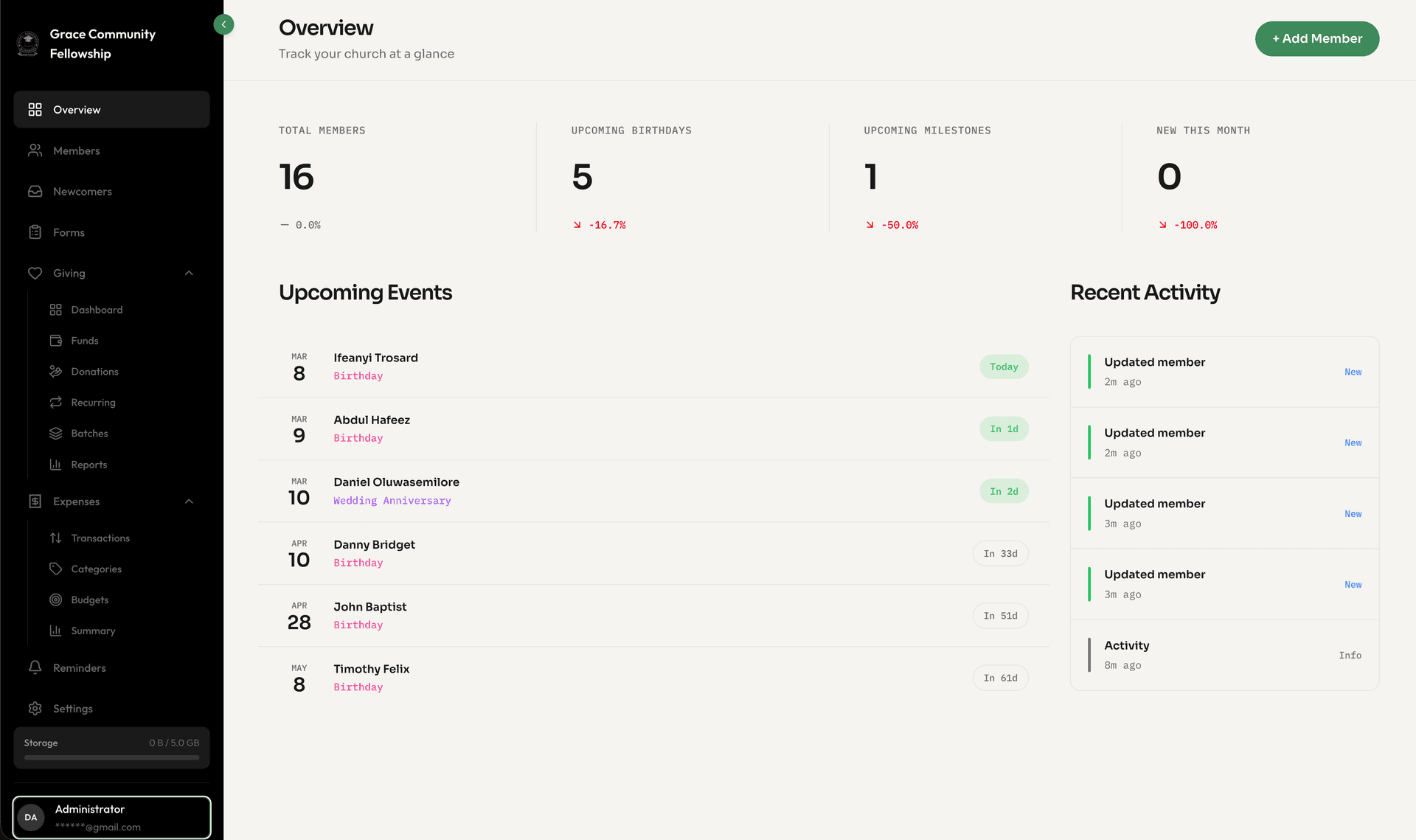
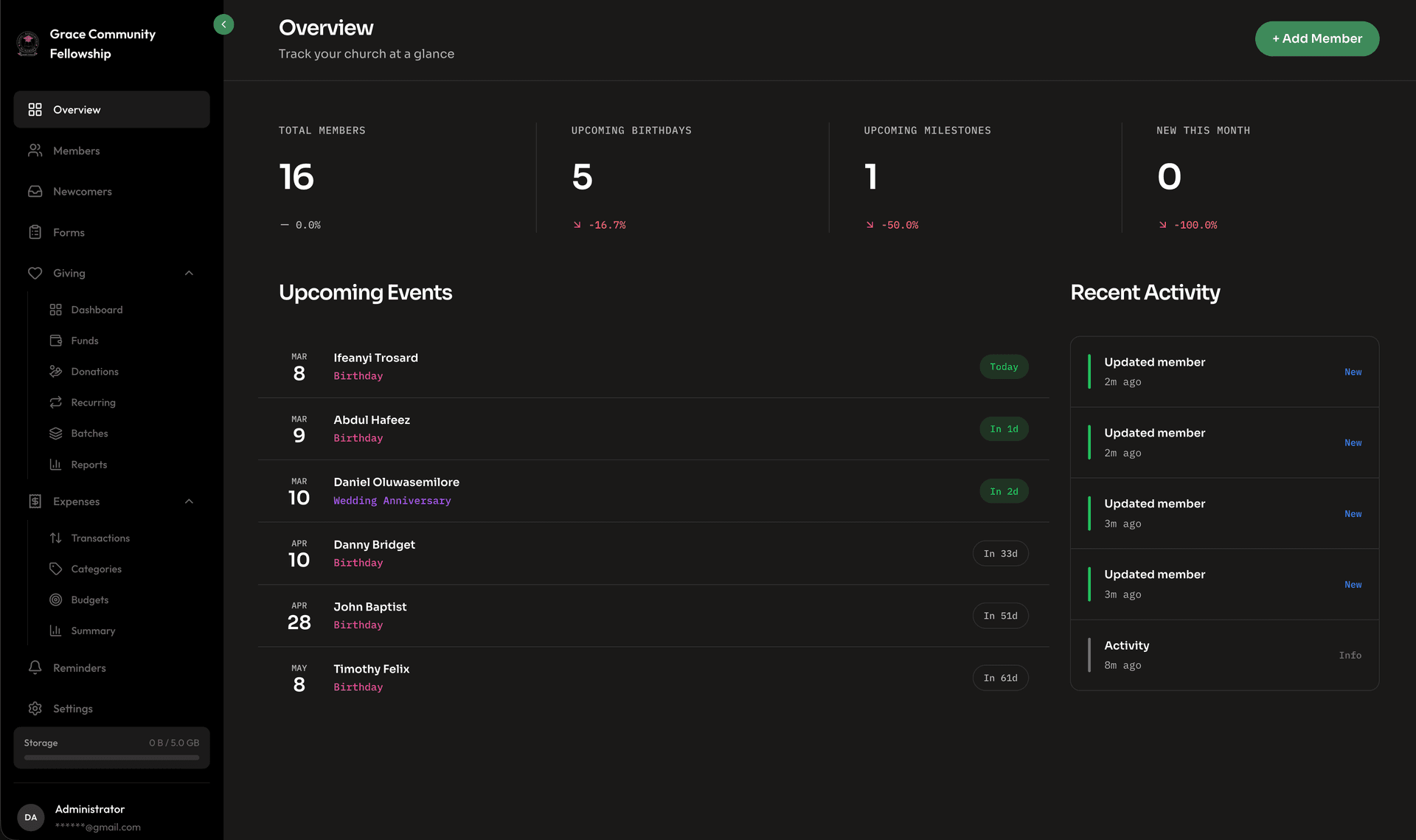
Church administrators juggle an extraordinary number of responsibilities. On any given day, you might be reviewing the budget, planning next week's service, following up with a family going through a tough season, coordinating volunteers, and trying to remember whose birthday is tomorrow. The mental load is real, and important things inevitably slip through the cracks.
What if you had an assistant who knew your church data inside and out — someone who could instantly answer questions about your congregation, surface the things you need to pay attention to, and help you draft communications without starting from a blank page?
That is exactly what Jo is designed to be.
What Is Jo?
Jo is Fellowr's built-in AI assistant. It lives right inside your Fellowr dashboard and is always available when you need it. Think of Jo as a knowledgeable team member who has read every member profile, reviewed every giving record, and studied every form submission — and can recall any of it in seconds.
Jo is not a generic chatbot. It is deeply integrated with your church's data, which means the answers it gives are specific to your congregation, not generic advice pulled from the internet.
Why We Built Jo
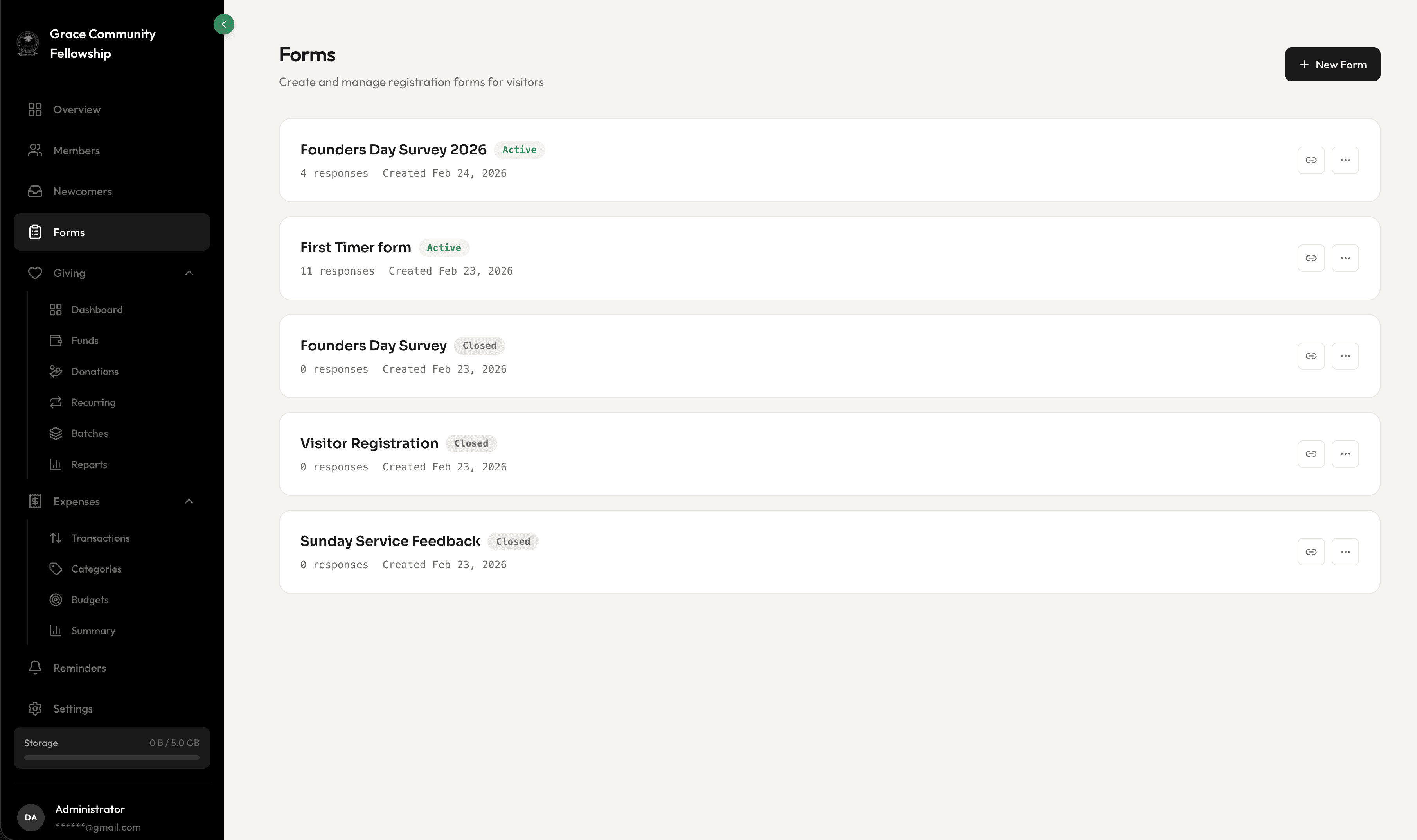
We built Jo because we noticed a pattern in how church administrators work. They spend a surprising amount of time doing things that are not actually hard — they are just tedious. Looking up how many new members joined last quarter. Figuring out which families have birthdays this week. Drafting a follow-up email to last Sunday's visitors. Pulling together numbers for a board meeting report.
None of these tasks require deep expertise. They require time and access to data. Jo handles both, freeing you to focus on the work that truly requires your wisdom, empathy, and leadership.
Context-Aware Intelligence
What makes Jo genuinely useful — and different from a generic AI tool — is that it understands the context of your church. When you ask a question, Jo draws on the actual data in your Fellowr account to give you a precise, relevant answer.
Example Queries
Here are some of the things you can ask Jo:
-
"How many new members joined this year?" Jo pulls from your member directory and gives you the exact count, broken down by month if you want.
-
"Who has a birthday this week?" Jo scans member profiles and returns a list with names and dates. No more scrolling through a spreadsheet.
-
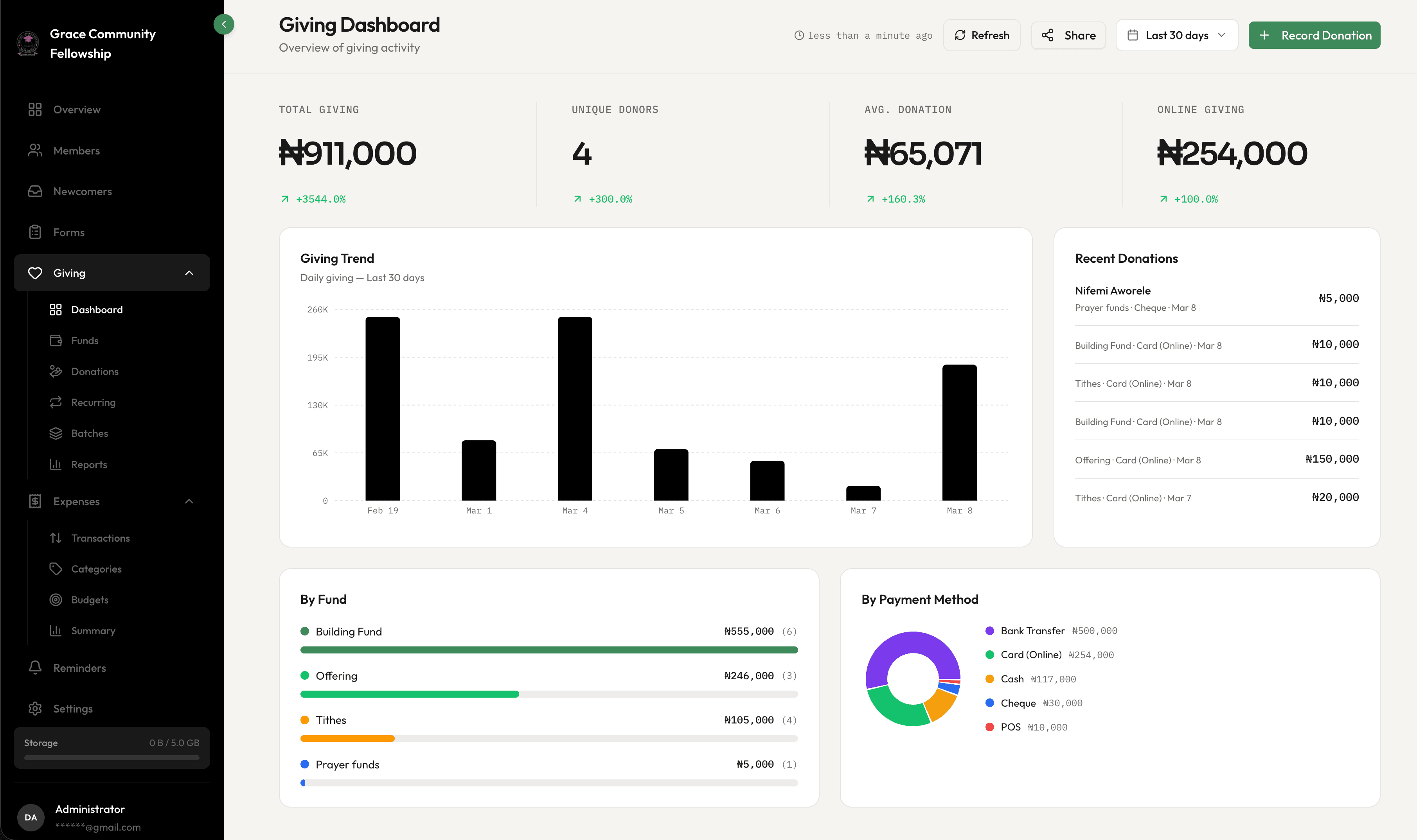
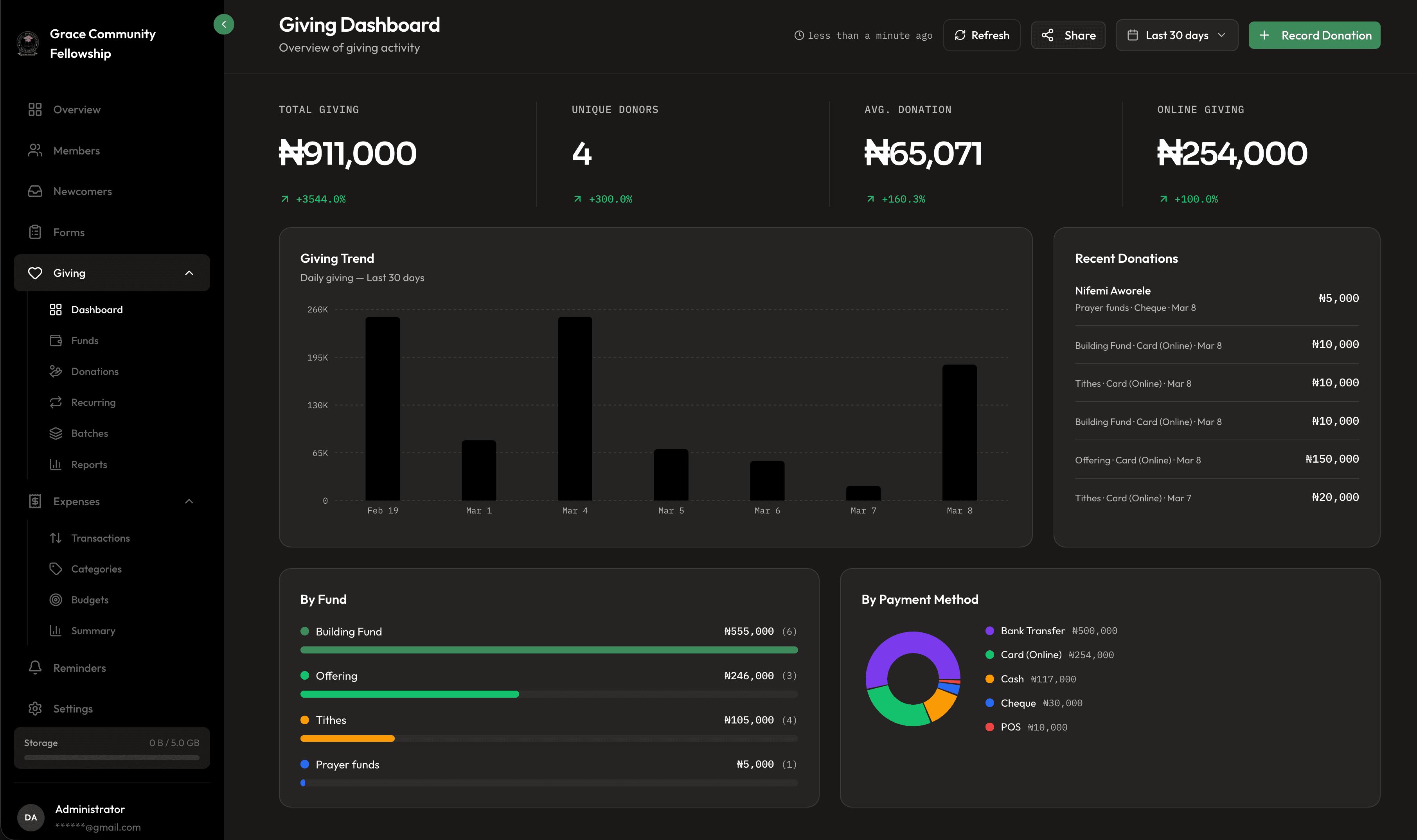
"What are our giving trends for the last six months?" Jo analyzes your donation records and summarizes the trends — whether giving is up, down, or steady, and by how much.
-
"Show me all visitors from the last 30 days who have not been contacted." Jo checks your newcomer inbox and flags the ones that need follow-up.
-
"Draft a welcome email for last Sunday's visitors." Jo writes a warm, personalized draft based on your church's tone that you can review, edit, and send.
-
"Which small groups have open spots?" Jo checks group enrollment against capacity and tells you where there is room.
These are not hypothetical scenarios. These are the everyday questions that church administrators actually ask, and Jo answers them in seconds instead of the minutes or hours it might take to look up manually.
See Jo in Action
Jo doesn't just answer in text. It responds with the actual chart, table, or summary card — rendered live in the chat as it works. Here is what that looks like:
73% given online
Giving trend
Jun 10 – Jul 10
By fund
By method
Sample data — Jo answers with your church's real numbers, scoped to your permissions.
Ifeoma Balogun
July 15 · Today
Tunde and Bisi Adeyemi
July 18 · in 8 days
Sample data — Jo answers with your church's real numbers, scoped to your permissions.
New members
Last 6 months
By gender
By marital status
By age
Sample data — Jo answers with your church's real numbers, scoped to your permissions.
| Name | Status | Submitted |
|---|---|---|
| Grace Adeyinka | Pending | Jul 8 |
| Anonymous visitor | Accepted | Jul 5 |
Sample data — Jo answers with your church's real numbers, scoped to your permissions.
The Weekly Digest
One of Jo's most popular features is the weekly digest — an automated summary that arrives at the start of each week with everything you need to know.
What the Digest Includes
- Upcoming birthdays and anniversaries for the week ahead, so your pastoral team can reach out in time
- New visitors and newcomers who submitted forms since the last digest, with follow-up status
- Giving summary for the previous week, including comparison to the same week last year
- Attendance trends if you track attendance through Fellowr
- Pending tasks that need attention, like unassigned newcomers or incomplete follow-ups
The weekly digest turns information that is scattered across multiple screens into a single, scannable briefing. Many pastors tell us it has become the first thing they read on Monday morning.
Smart Action Suggestions
Jo does not just answer questions — it proactively suggests actions based on what it sees in your data. These suggestions appear as gentle nudges, not demands, and you are always in control of whether to act on them.
Examples of Smart Suggestions
-
"3 members have not attended in over a month. Would you like to send a check-in message?" Jo identifies disengagement patterns early so you can reach out before someone quietly leaves.
-
"The building fund is at 85% of its goal. Consider sharing an update with the congregation." Jo tracks fund progress and suggests communication opportunities.
-
"5 newcomers from the last two weeks have not been assigned for follow-up." Jo watches the newcomer inbox and alerts you when things are falling behind.
-
"Giving is down 12% compared to last month. Here is a summary you can share with the finance team." Jo helps you stay ahead of financial trends instead of discovering them too late.
These suggestions are generated by analyzing patterns in your data. Jo learns what is normal for your church and flags things that deviate from those patterns — whether that is a positive trend worth celebrating or a concern worth investigating.
Drafting Messages and Communications
Writing is one of the most time-consuming tasks in church administration. Newsletters, follow-up emails, event announcements, board reports — the list is endless. Jo helps by drafting these communications for you.
How It Works
Tell Jo what you need — "Draft a thank-you email to everyone who volunteered at the fall festival" — and it produces a ready-to-edit draft. Jo uses a tone that is warm and professional, consistent with how churches typically communicate. You review the draft, make any changes you want, and send.
Jo can also help with:
- Board meeting summaries that compile key metrics and highlights from the past month
- Event announcements with all the relevant details pulled from your event forms
- Pastoral care notes that provide context before a visit or meeting
The goal is never to replace your voice. It is to give you a strong starting point so you are not staring at a blank screen.
Privacy and Data Security
We understand that church data is deeply sensitive. Member information, giving records, pastoral notes — this is some of the most private data any organization handles. We built Jo with that responsibility front and center.
Your Data Stays Yours
Jo operates exclusively on the data within your Fellowr account. It does not share your data with other churches, use it to train models for other organizations, or expose it to third parties. Your congregation's information remains private and secure.
Permission-Aware
Jo respects the same role-based permissions that govern the rest of Fellowr. If a team member does not have access to giving data, Jo will not reveal giving information to them — even if they ask directly. The assistant enforces your existing access controls automatically.
Transparent and Auditable
Every interaction with Jo is logged. If you ever want to review what questions were asked or what suggestions were made, you can access a complete history. This transparency is important for accountability and for building trust with your leadership team.
Getting Started with Jo
Jo is available in your Fellowr dashboard right now. Click the assistant icon, type your question, and see what Jo can do for you. There is no setup required — Jo automatically has access to the data in your account based on your permissions.
Start with something simple: "Who has a birthday this week?" or "How many visitors did we have last month?" Once you see how quickly Jo responds with accurate, specific answers, you will find yourself reaching for it constantly.
Church administration does not have to mean drowning in data and details. With Jo by your side, you have an assistant that handles the information overload so you can focus on what you were called to do — leading, shepherding, and building community.
Ready to get started?
Free forever, for a church of any size. Paid plans include a 14-day free trial.
Start Free Today